
Gaming on Linux has never been bigger. While the library isn’t as large as what you find on Windows, today you can play thousands of games for Linux. Many of them are AAA titles.
That’s a big change from a decade ago, when most games were free and open source hobbyist efforts. This transition didn’t occur on its own. What technologies enabled this to happen?
Graphics Drivers and APIs
Video games tax many parts of a computer, but the graphics are the element that stand out the most. If a machine can’t display visuals smoothly, then even casual games are a non-starter. That’s why the existence of quality graphics drivers for Linux were essential to Linux gamers getting their hands on any games at all.
How to Install Proprietary Graphics Drivers in Ubuntu, Fedora, and Mint How to Install Proprietary Graphics Drivers in Ubuntu, Fedora, and MintMost of the time, you’ll be fine with open-source software on Linux. But if you want real gaming and graphical power, you’ll need proprietary drivers. Here’s how to get them.READ MOREThat’s why we start this list with what the big three graphics card manufacturers have done for Linux, plus an essential piece of programming.
1. Intel
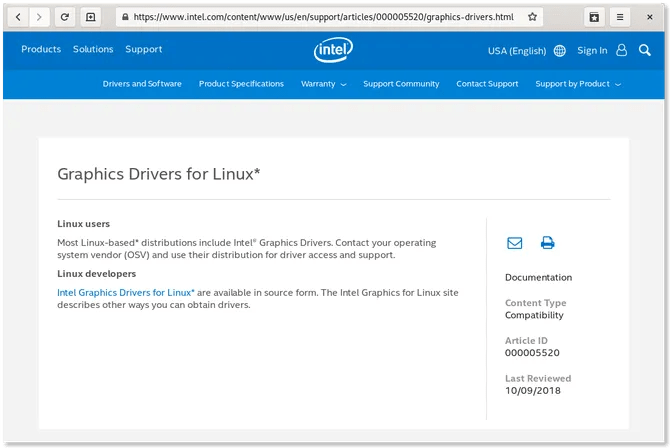
Most PCs come with Intel processors, and your typical laptop comes with integrated graphics rather than dedicated cards. These setups offer a great Linux experience, because Intel releases open source drivers for the majority of its graphics chips.
Intel graphics aren’t the best at playing the latest AAA titles on ultra high settings, but they can handle most casual games and plenty of older releases.
2. AMD
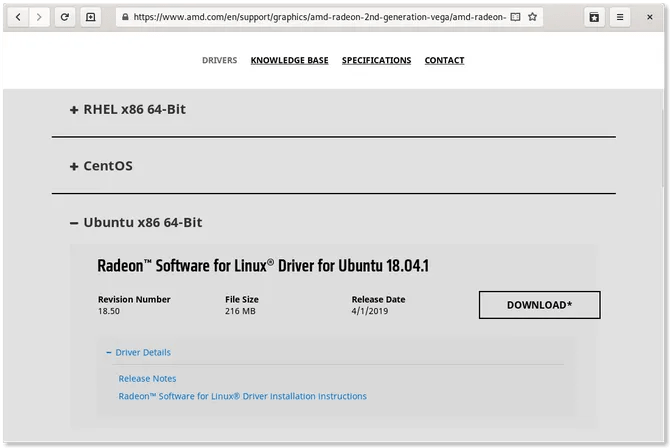
AMD provides a proprietary driver for Linux. With this driver available, Linux gamers can get the performance they expect from powerful gaming rigs with AMD graphics cards. This provides access to the most demanding Linux games.
AMD hasn’t released an open source driver, but it does provide hardware specifications for others to use. This has enabled the creation of a quality free and open source alternative to the proprietary driver. Your Linux desktop may provide this by default.
3. Nvidia
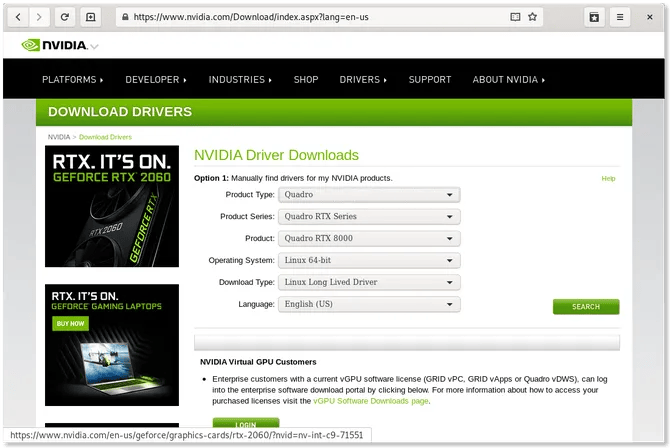
Nvidia has also created a proprietary driver for Linux. A free and open source version is available, but unlike AMD, Nvidia does not offer information for others to use. Developers have created the free driver through reverse engineering. It works well enough to provide a smooth desktop experience, but the gaming performance does not compare to what the proprietary driver can do.
Read more makeuseof.com